Default Git provider integration settings#
You can configure the default settings that Codacy uses to integrate with your Git provider when you add a new repository to Codacy. This enables you to apply the same settings across your organization repositories.
To configure these default settings, open your organization Integrations page and select your Git provider.
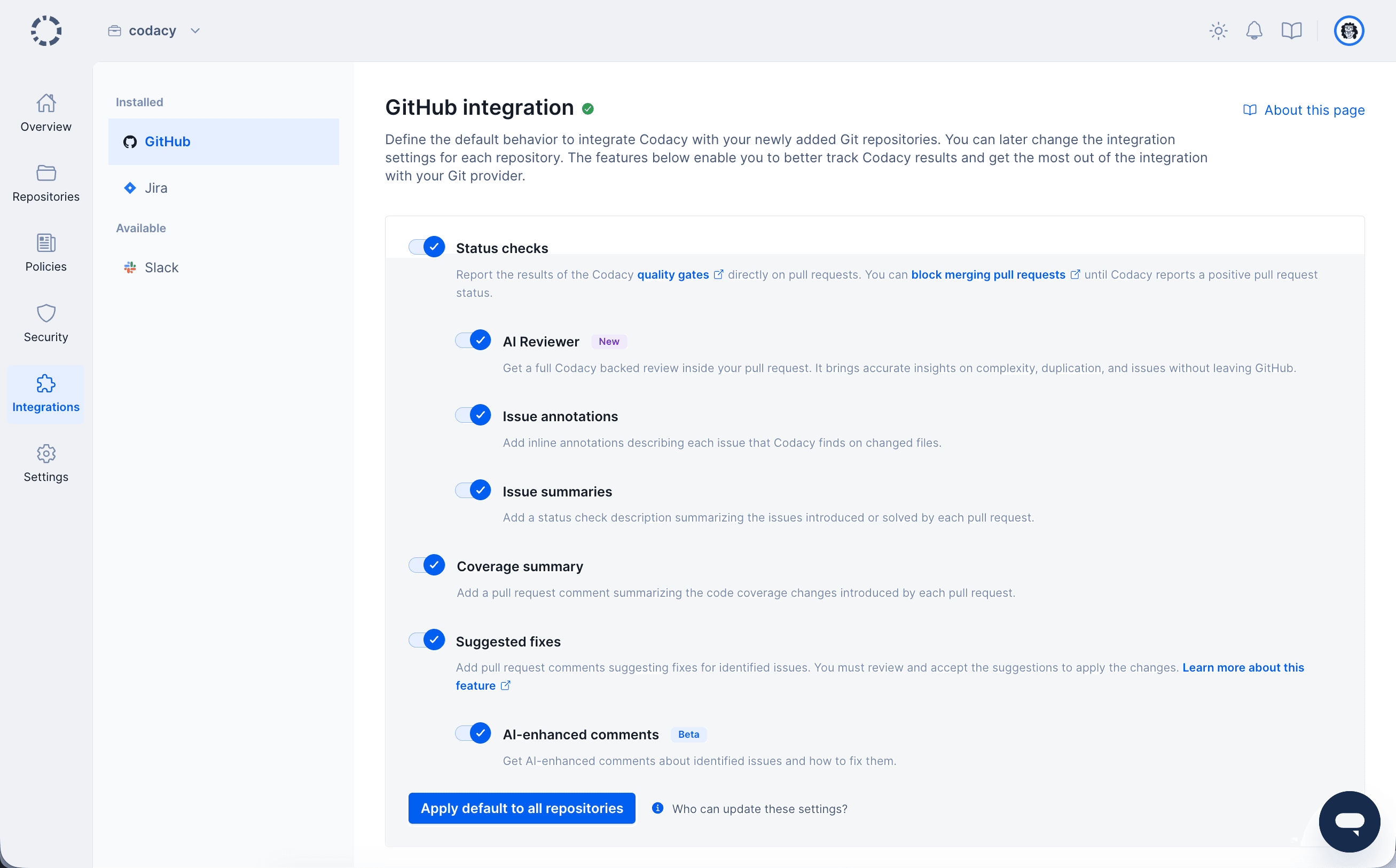
The organization-level Git provider integration settings define the defaults that Codacy applies to new repositories. You can then customize the settings for each individual repository, which depend on your Git provider, GitHub, GitLab or Bitbucket.
Applying default settings to all repositories#
To ensure that all your repositories are configured with the default Git provider integration settings defined for your organization, click the button Apply default to all repositories.

See also#
Was this page helpful?
Your feedback helps us improve the documentation.
255 characters left
Thanks for helping improve Codacy documentation.
For more detailed feedback, open an issue on GitHub.